How to Redeem UNDERTALE Multiplayer Codes
Gear → SETTING → PROFILE → CODE, using the Undertale-style confirm keys.
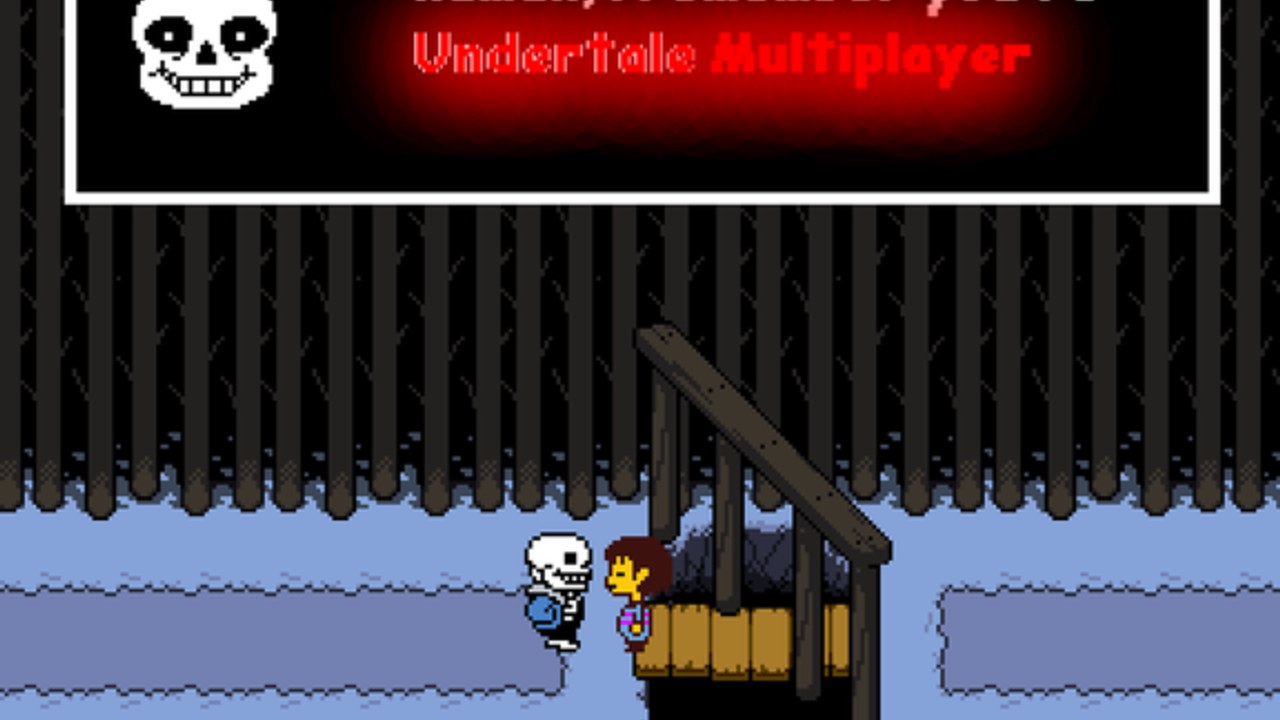
Redeeming codes in UNDERTALE: Multiplayer feels closer to navigating a battle menu than typing in Roblox chat. Awar_T’s UI mirrors classic Undertale: you highlight options with arrows (or the stick), confirm with Z, and cancel with X. If you mash chat commands expecting /code, nothing happens—this guide walks the exact gear path the community uses so you can claim visit rewards and the thank-you level without guessing.
Before you start, join the live place (not a private archived copy), finish any forced tutorial prompts, and keep a working code ready from the Codes hub. The experience sometimes displays [SOON] in the title during updates; if menus are missing entirely, wait for the lobby to finish loading or rejoin after maintenance.
Full redeem path (gear to Done)
Follow these steps in order. They match the flow players document on Roblox discussions and short how-to clips:
- Spawn into the lobby with your character controllable. Party size can be up to 15, but you redeem alone on your own PROFILE—friends cannot claim for you.
- Look to the top-right of the screen and open the gear icon. That gear is the gateway to settings and account options inside this experience.
- Select SETTING. Use arrow keys or the on-screen cursor if your device remaps inputs; confirm with Z the same way you confirm FIGHT or ACT in a battle.
- Inside settings, open PROFILE. PROFILE holds identity-related options, including the code entry slot.
- Press Z (confirm) until CODE is highlighted, then confirm again to open the code interface.
- Use the in-game keyboard: move across letters with arrow keys, confirm each character with Z, and delete mistakes with the UI backspace option or cancel bind as shown on screen.
- When the string matches a working code (for example
3MVISITSorTHANKYOU), move to Done and confirm. - Wait for the reward feedback—coins appear in your balance, or a level-up raises HP. If nothing happens, re-check spelling and try once more after closing and reopening CODE.
That is the entire loop. No external website redeem, no Roblox website promo box, and no need for a VIP server. If the gear icon is covered by another HUD element during a fight, return to the lobby or a safe menu state first.
Controls cheat sheet
| Action | Typical bind |
|---|---|
| Move highlight | Arrow keys |
| Confirm / Z | Z or the experience confirm key |
| Cancel / back | X or the experience cancel key |
| Open system gear | Click gear (top-right) |
Controller and mobile players still follow the same menu names—gear, SETTING, PROFILE, CODE, Done—even if the physical buttons differ. If your device uses on-screen buttons, tap the equivalent of Z to confirm each letter.
Codes you should redeem first
Pull the live list from the Codes hub. As of the post-3M visits window the known set is:
3MVISITS→ 300 coins2MVISITS→ 200 coins1MVISITS→ 100 coinsTHANKYOU→ level up
Redeem coins codes before shopping, and redeem THANKYOU before a long boss practice session so the HP bump applies. Spending priorities and how levels affect survival are covered in Coins and levels. Brand-new players should also skim Getting started so lobby navigation already feels natural.
Troubleshooting failed redeems
Code invalid or no reward Double-check capitalization and remove spaces. Retype from scratch instead of editing a half-entered string. Confirm you are in Awar_T’s UNDERTALE: Multiplayer place (universe associated with place 135172403389029), not a fan copy.
Cannot find CODE under PROFILE Leave the fight, return to lobby, reopen gear → SETTING → PROFILE. During [SOON] update windows some panels lag; rejoin once after the place finishes publishing.
Keyboard will not type Click or confirm into the text field first. Use only the in-game keys—the Roblox chat bar will not feed this CODE screen.
Already claimed
Most codes are one-time per account. If you already took 1MVISITS on an older session, the UI may silently reject a second try. Move on to unclaimed strings.
Playing with friends Everyone in the 15-player session must redeem on their own PROFILE. Call out the code in voice chat, then wait until each player sees the reward before queueing Sans or Last Breath.
After you redeem
Coins unlock shop options that some players describe as booster-heavy; free code coins reduce how much you need to spend to stay competitive in co-op. Levels raise HP, which matters immediately on mid fangame bosses such as Outertale Undyne and becomes mandatory for Sans and Last Breath badge runs (beat sans, beat last breath). When you are ready for combat progression, open the Tier list hub or the detailed boss difficulty page, then branch into Beat Sans and Beat Last Breath.
If you came here only for the menu path, you are done: gear → SETTING → PROFILE → Z → CODE → type → Done. Keep the Codes hub bookmarked for new milestone strings as visits climb past the current ~3.2M mark.
Related pages
- Codes hub — full working list and rewards table
- Coins and levels — what to buy and why HP matters
- Getting started — first-hour lobby and fight flow
- Guides hub — all walkthroughs in one place
Frequently Asked Questions
Quick answers for codes, bosses, and multiplayer lobbies.
What is the exact menu path to redeem a code?
Open the gear icon in the top-right, choose SETTING, open PROFILE, press Z to select CODE, type on the in-game keyboard, then confirm Done.
Do I redeem codes in Roblox chat?
No. UNDERTALE Multiplayer uses an Undertale-style PROFILE CODE keyboard. Chat commands will not grant coins or levels.
Which key confirms letters on the code keyboard?
Use Z (or your remapped confirm bind) to select each character and to finalize Done, just like confirming battle menu options.
Why is the CODE option missing?
Return to the lobby, reopen gear → SETTING → PROFILE, or rejoin if the place title shows [SOON] during an update publish.
Can one player redeem codes for the whole server?
No. Each account must open its own PROFILE and redeem individually, even in a full 15-player session.